Furniture
en Voiceover
Generate professional listing images and videos with AI, ready for social, marketplaces, and presentations. No editing skills required.
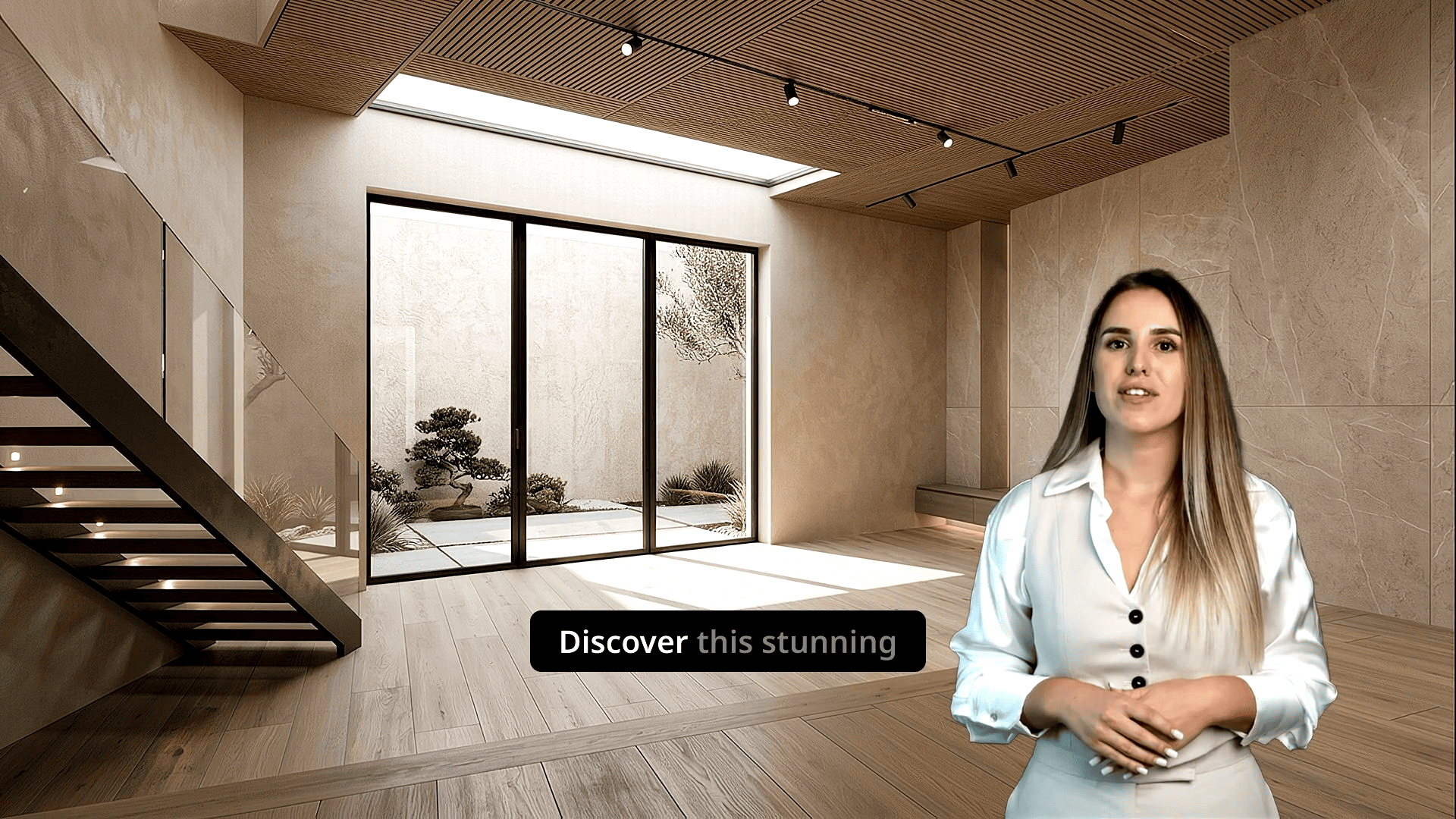
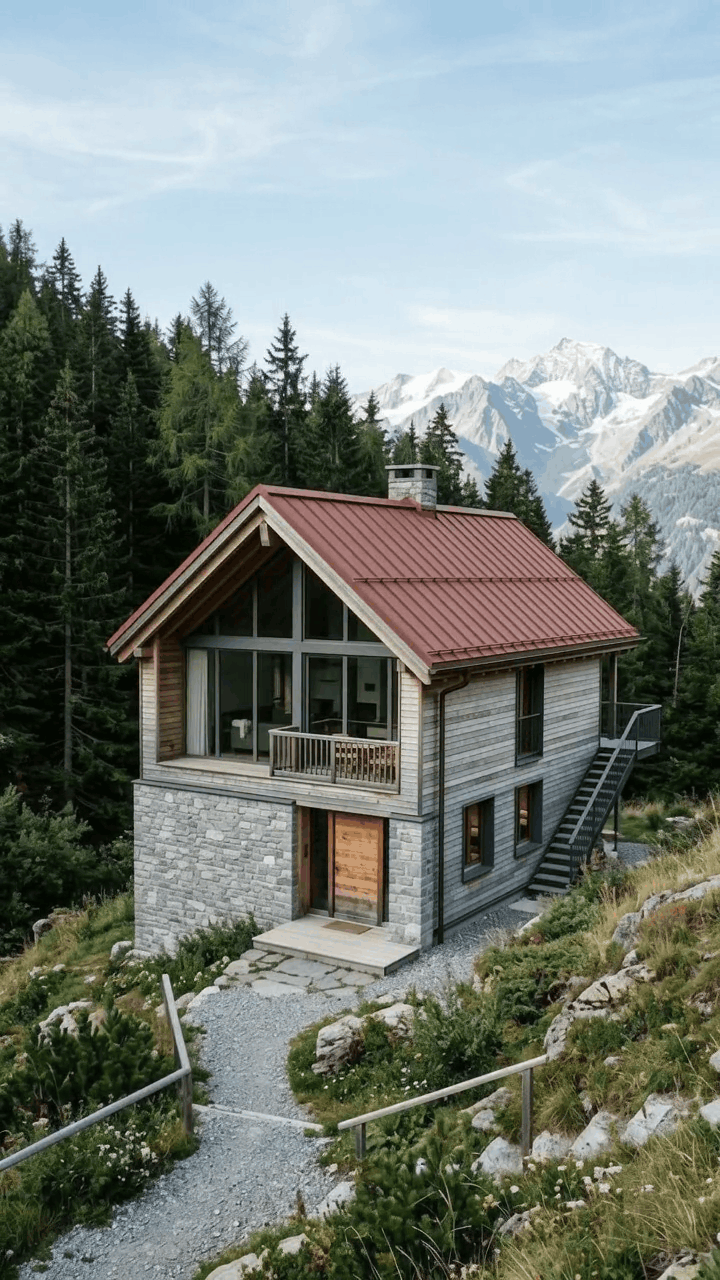
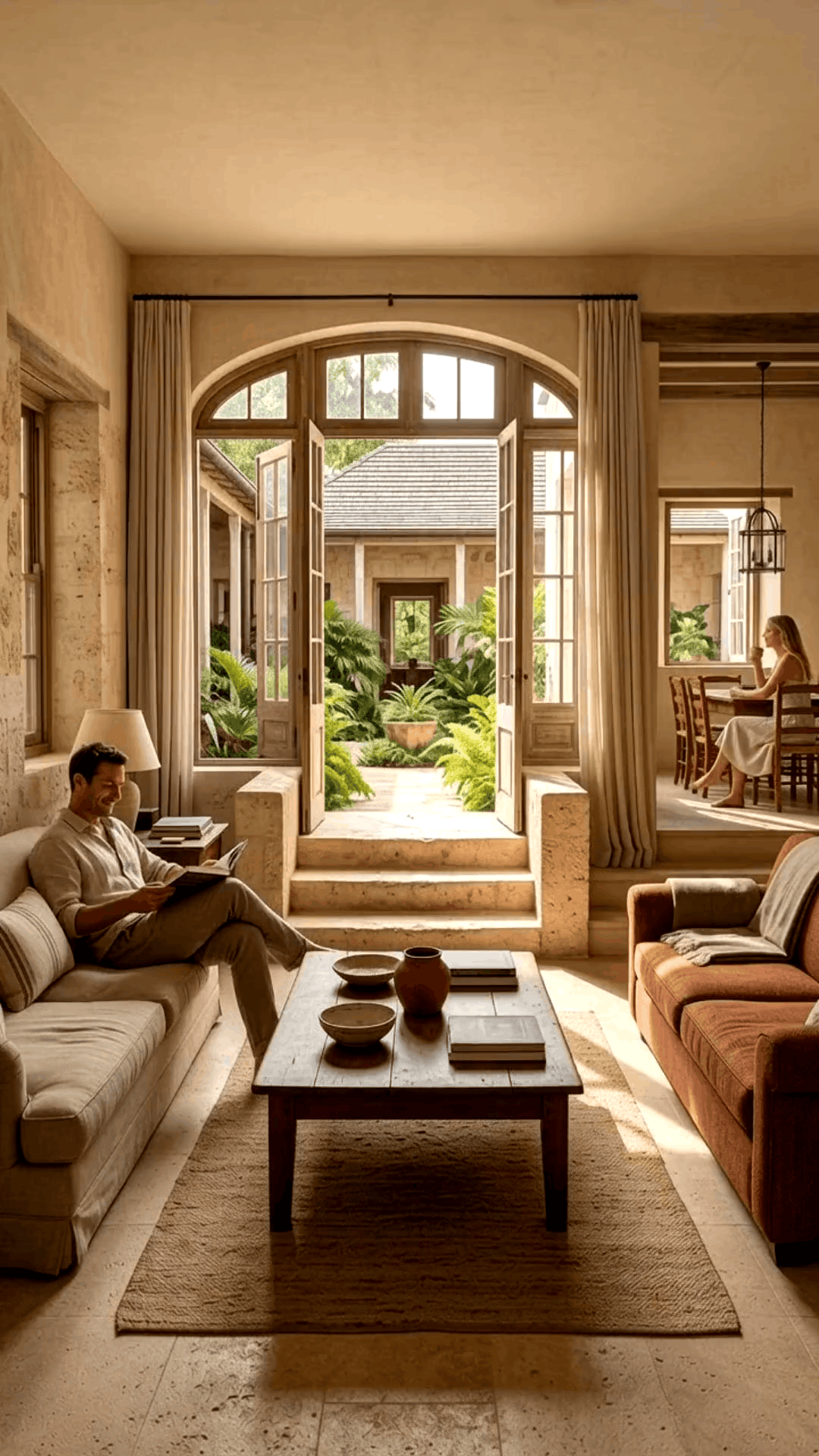
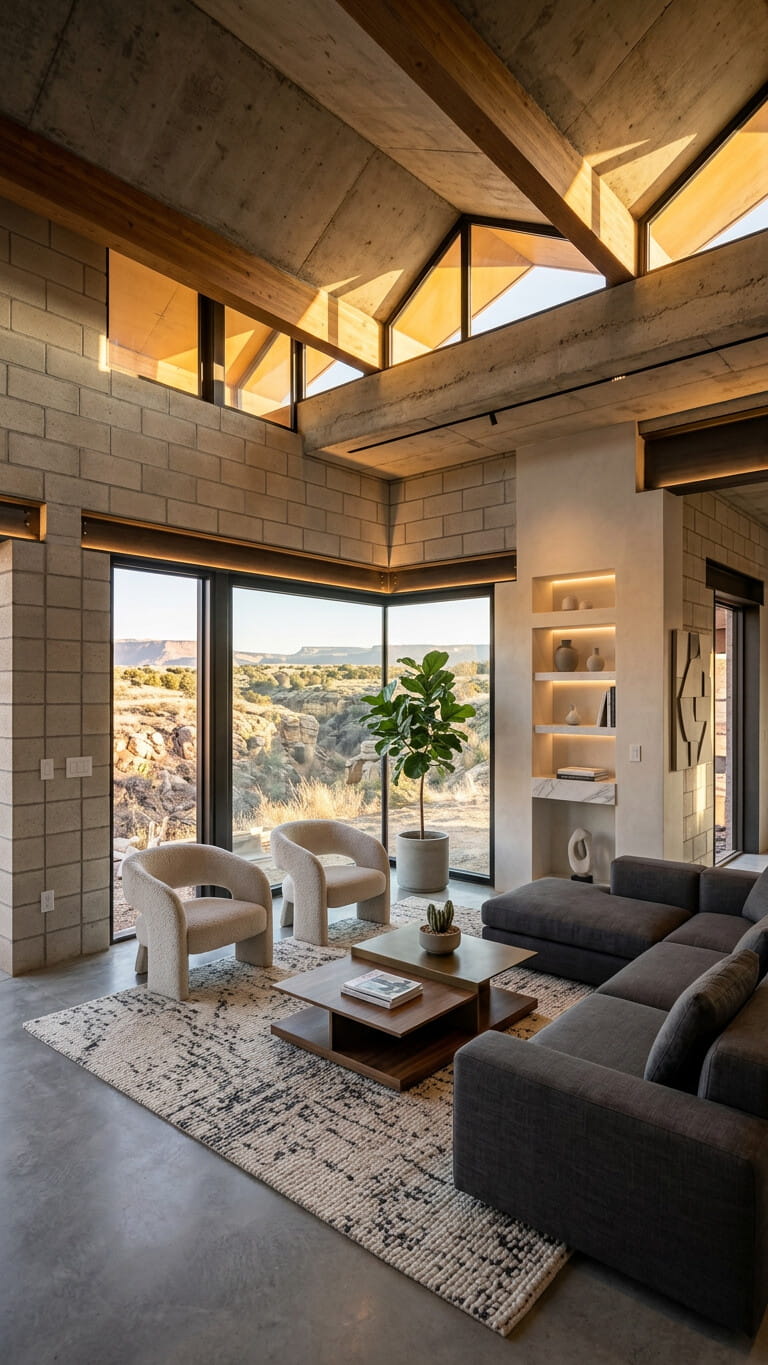
Drop in property photos, filmed tours, and your brand assets. VideoEstate keeps producing videos, social posts, carousels, and listing copy.
Turn listing photos into publish-ready images and videos in simple steps, no editing experience required.
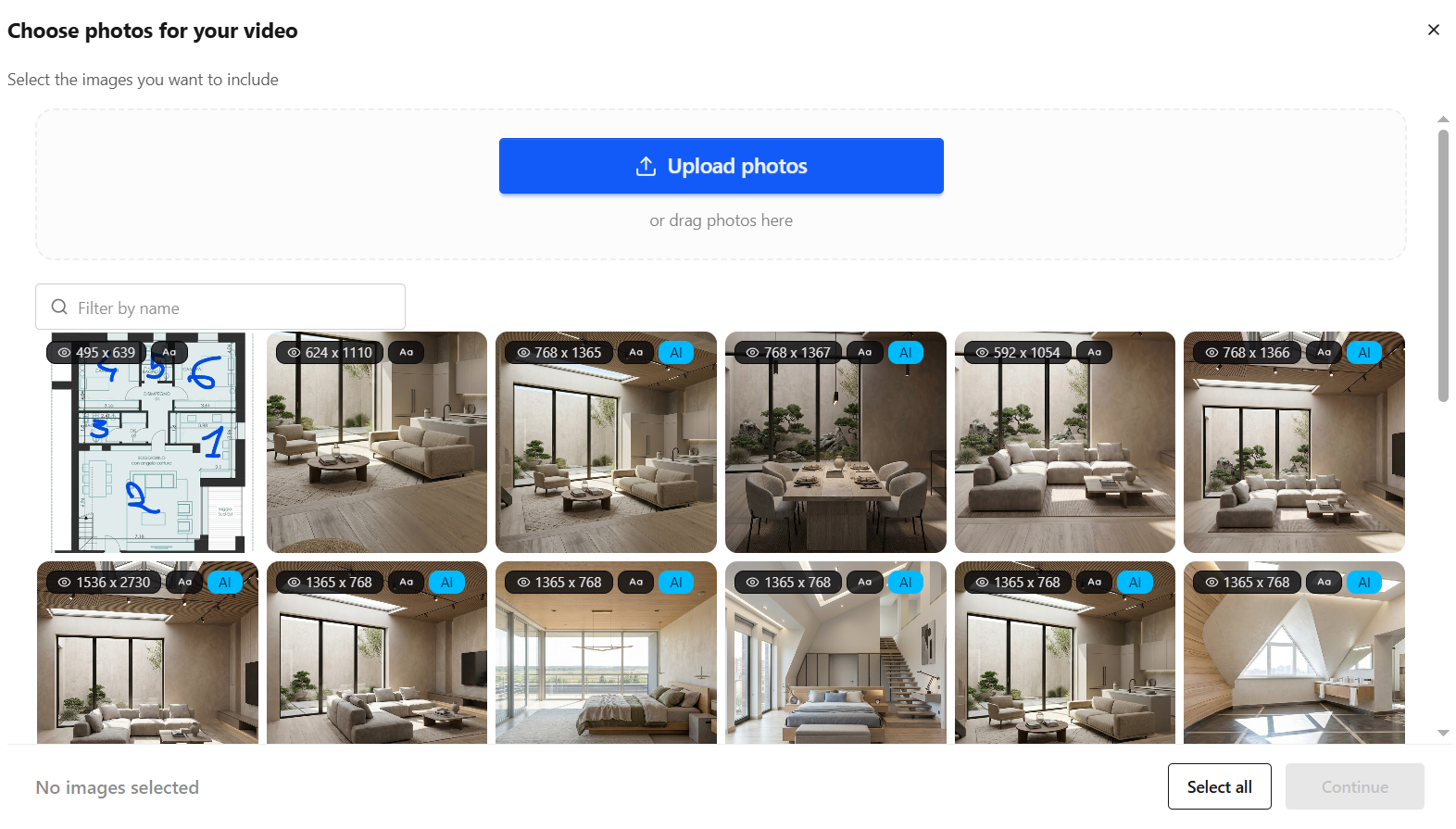
Add your property photos from any device. VideoEstate accepts common formats and keeps every image organized in your project.
Enhance lighting, remove clutter, and polish every shot with AI so each frame looks its best, or generate new listing visuals.


Transform still photos into smooth camera moves, renovations, virtual staging and more.
Layer AI voiceovers, talking avatars, on-screen captions, and royalty-free music.
Finish in the built-in editor, then export images and videos ready for social, marketplaces, and presentations.
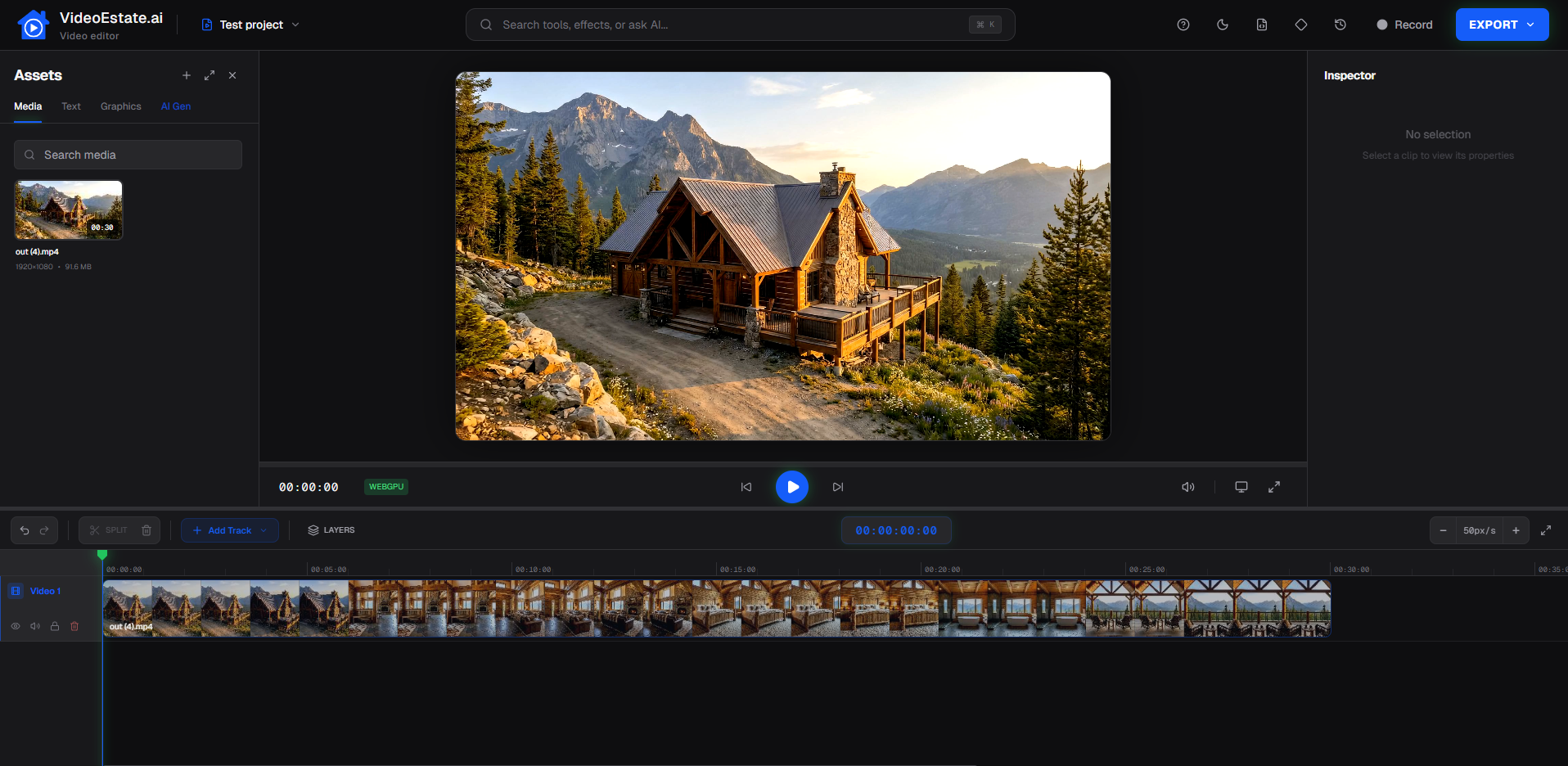
See examples of AI-generated property videos, part of the marketing assets agents use to attract buyers and sellers.
Generate professional listing images and videos, ready for social, marketplaces, and presentations. Free trial, no credit card required.
Everything you need to know about VideoEstate.ai
Yes. VideoEstate is an AI marketing platform for real estate: edit and generate listing images, create social posts and carousels, and produce property videos, plus voiceover, avatars, listing descriptions, and a built-in video editor.
1: Upload your images, 2: Optimize them, 3: Choose animations, 4: Add voiceover, subtitles, avatar, music, 5: Customize and export
We support both horizontal (16:9) and vertical (9:16) formats, perfect for reels and social media. Videos are generated in high quality suitable for professional use.
Yes! You can customize with every feature on the platform: AI video generation, slideshow video generation, AI image editing, social image generation, voiceover, talking avatars, subtitles, the built-in video editor, listing descriptions, and the music library.
Simply sign up for a free account, upload your property images, and start creating listing images and videos. It's that easy!
Yes. You can start and cancel your subscription autonomously each month, with no long-term commitment. You're always in full control.
